
Mesh network cabinets and server rack prices in kenya
Mesh network cabinets typically refer to standard data or server cabinets equipped with perforated mesh doors to ensure optimal airflow and heat dissipation for high-heat-generating networking and server equipment.
These are not specialized cabinets that create a mesh network themselves, but rather physical infrastructure to house the components of one.
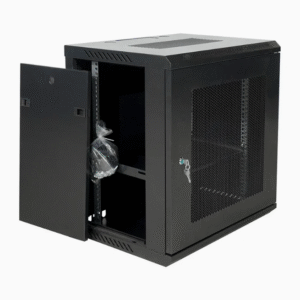
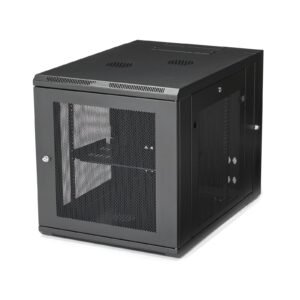


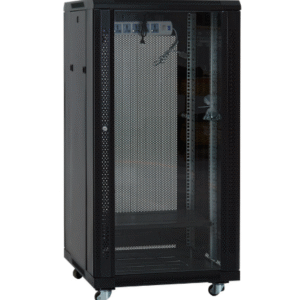
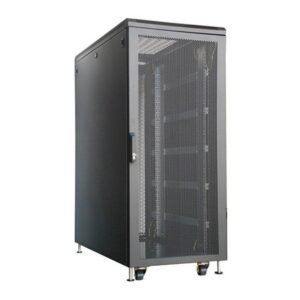
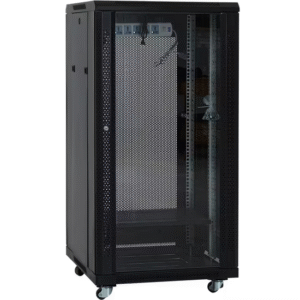
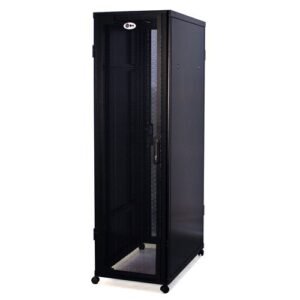
Mesh network Cabinets
42U free standing Mesh-door network data Cabinet – 600mm x 1000mm
KSh 59,000.00
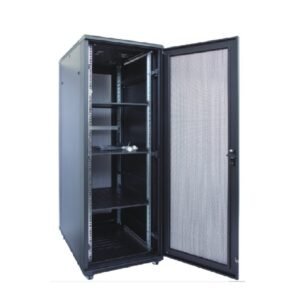
Mesh network Cabinets
42U Mesh door free standing network data Cabinet – 600mm x 800mm
KSh 45,000.00
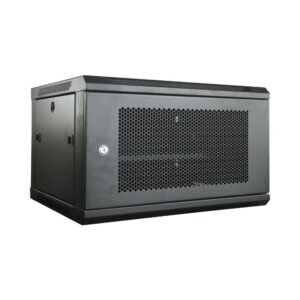
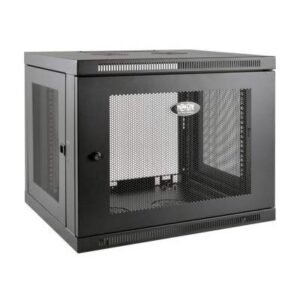
The primary consideration for equipment within a mesh network, especially in enclosed spaces, is managing heat and maintaining signal integrity. Mesh-door cabinets address this through specific design features.Key Cabinet Features for Mesh Networks
- Ventilation: The most crucial feature is the use of perforated mesh on the front and often the rear doors. This design allows for efficient passive airflow, which is essential for cooling densely packed IT hardware like servers and switches, preventing overheating.
- Physical Security: They include lockable front and rear doors, as well as lockable, removable side panels, which help secure valuable networking gear from unauthorized access.
- Cable Management: Multiple cable entry points (top and bottom) and compatibility with cable management accessories like cable managers and brush entry plates help in organizing cables neatly, which in turn improves airflow and simplifies maintenance.
- Adjustable Mounting: The internal mounting rails are adjustable (standard 19-inch width) to accommodate various depths of equipment, offering flexibility for different devices.
- Durability and Build: These cabinets are typically constructed from heavy-duty cold-rolled steel with a powder-coated finish, designed for long-term reliability in office, telecom, or data center environments.
- Form Factor: They are available in a range of sizes, from compact wall-mount options (4U to 12U) for smaller offices to large floor-standing models (22U, 42U, etc.) for data centers.
- Airflow: Avoid placing the cabinet in corners or confined spaces that might restrict airflow. Leave some clearance around the sides and top.
- Signal Interference: For wireless access points mounted within or near the cabinet, be mindful of potential interference sources like thick masonry walls, large metal objects, or certain appliances. It's often recommended to place the wireless access points outside of the main cabinet or use specific mounting strategies to ensure the signal is not trapped by the metal structure.
- Wired Backhaul: To ensure robust connectivity, consider using wired Ethernet or fiber optic connections (wired backhaul) between the main router node and satellite nodes where possible, leveraging the cabinet's cable management features.